
Digital Team
IT Specialist
Purchasing a large number of computers for a business is a significant investment decision that requires careful consideration. To avoid budget waste and ensure long-term effectiveness, businesses need to prepare thoroughly before investing in workstation infrastructure.
1. Categorize Users by Job Requirements
Clearly define user groups and job requirements. For example, for a company with 50 employees:
- Office (accounting, administration): Primarily use basic office applications (Word, Excel, email). A configuration of Core i3/R3, 8GB RAM, 256GB SSD is usually sufficient.
- Sales: Require thin and light laptops with good battery life, and effective cameras and microphones for online meetings. A configuration of Core i5/R5, 8-16GB RAM, 256-512GB SSD is suitable.
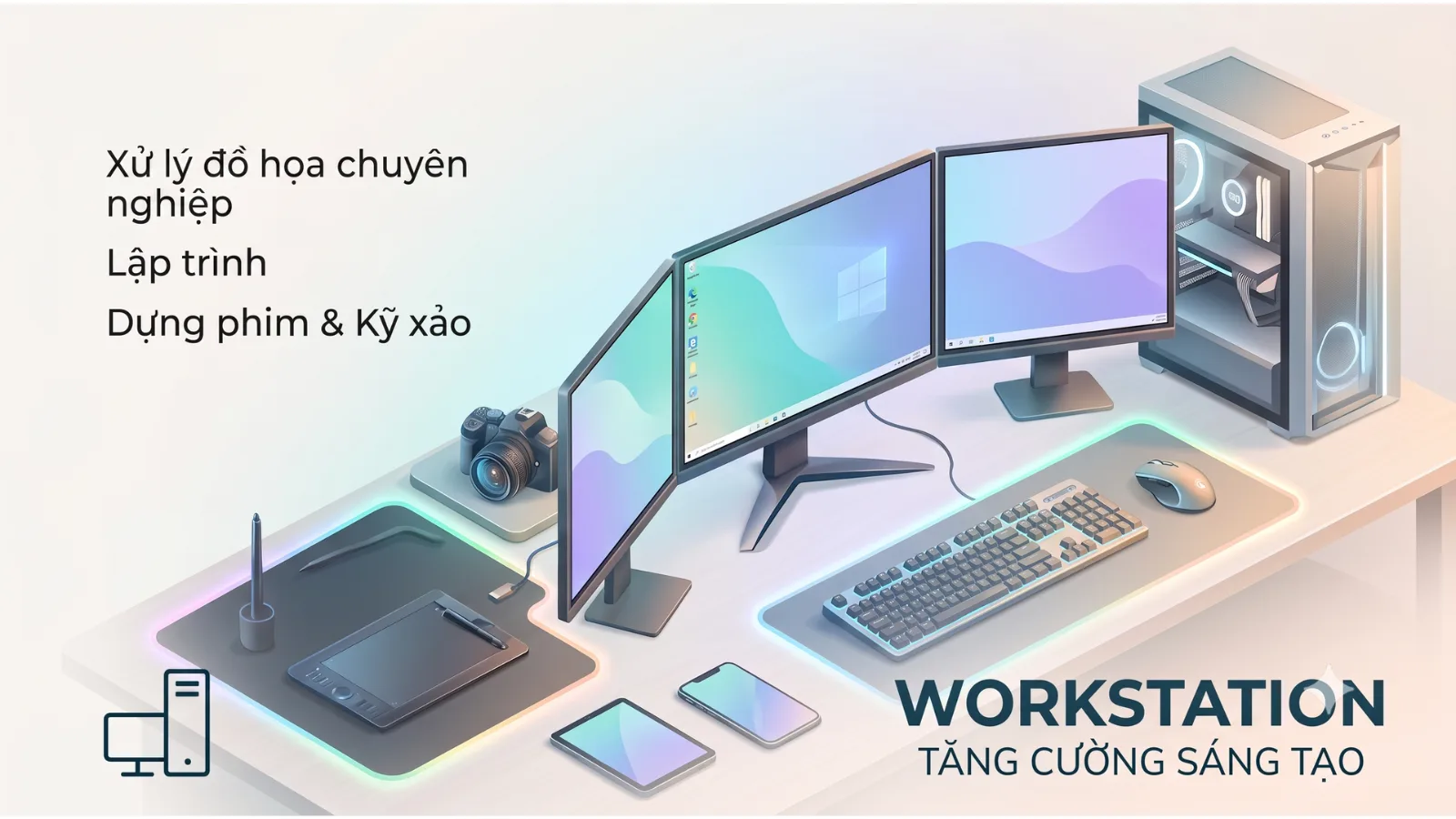
- Design/Engineering: High demands for graphics processing and computational performance. Requires a powerful CPU (Core i7/R7 or higher), 16-32GB RAM, a dedicated graphics card (NVIDIA GeForce RTX or AMD Radeon Pro), and a large-capacity SSD. Categorization helps optimize performance and avoid waste from purchasing overpowered machines or performance deficiencies.
2. Standardize Configurations for Easy Management
Instead of purchasing many different models, choose 2-3 standardized configurations for each user group from reputable brands like Dell, HP, Lenovo.
- Benefits: Simplifies management, maintenance, software updates, and troubleshooting. This helps minimize downtime due to technical issues.
- Note: Prioritize business-grade computers as they typically offer higher durability, support centralized management, and have a stable product lifecycle.
3. Evaluate Total Cost of Ownership (TCO)
The initial purchase price is only one part of the total cost. Total Cost of Ownership (TCO) includes:
- Hardware purchase costs, licensed software (operating systems, applications).
- Deployment, installation, and system integration costs.
- Maintenance, repair, component replacement, and energy consumption costs.
- Internal or outsourced IT support costs, and costs due to operational disruption when a machine encounters issues. Business computers often have a lower TCO in the long run due to better durability and stability.
4. Warranty Policy and Technical Support
For a large number of computers, the warranty policy is a key factor.
- Warranty Period: Typically 1 to 3 years. Businesses should consider extended warranty packages if needed.
- Warranty Service: Prioritize packages with on-site service and quick response times to minimize work disruption.
- Provider: Choose a reputable distributor with technical support capabilities and experience in handling warranties for businesses.
5. Synchronized Deployment and Management Plan
A detailed deployment plan will ensure a smooth transition:
- Logistics: Plan for transportation, installation, and physical configuration.
- Software Installation: Prepare operating system images (disk images) and application packages for mass deployment, saving time and ensuring consistency.
- Integration: Configure computers into the internal network, set up security policies, and install endpoint security software. A meticulous plan for the deployment phase helps businesses quickly put computers into use, limiting operational disruption.
How FA Tech Can Help?
FA Tech provides comprehensive Workstation Infrastructure deployment services, from consulting on suitable configuration selection for each user group, supplying business-grade computers from Dell, HP, Lenovo, to planning and deploying the synchronized system. Contact FA Tech for a quote based on actual configurations and in-depth consultation.