
Digital Team
IT Specialist
Deciding when to replace business computers is always a complex challenge, balancing work performance, investment costs, and operational risks. Should you adhere to a 3-5 year cycle, wait until a machine completely fails, or is there a more optimal strategy?
3-5 Year Cycle: A Reference, Not a Strict Rule
The 3-5 year cycle is often considered a common timeframe for considering computer replacement in a business environment. However, this is merely a reference figure. The actual lifespan of a computer depends on many factors such as usage intensity, work environment, initial component quality, and specific job requirements. A computer used for basic office tasks may operate stably longer than one used for graphic design or complex programming.
Factors Determining Computer Replacement Timing
To make a reasonable replacement decision, businesses need to consider the following factors:
1. Significant Decline in Work Performance
When computers boot slowly, applications respond poorly, or frequently "freeze," this directly impacts employee productivity. Accumulated waiting time can lead to significant losses in work efficiency and morale.
2. Frequent Hardware Failures and Repair Costs
A computer that constantly experiences hardware failures such as a failing hard drive, rapidly degrading battery, flickering screen, or motherboard (mainboard) issues will incur regular repair costs. When the total estimated repair costs approach or exceed the remaining value of the device, or even the purchase price of a new device, replacement is the more economical option.
3. Operating System and Security Support
Operating systems and application software frequently receive security updates and new features. Overly old computers may not meet the minimum configuration requirements to run the latest operating system versions, leading to a lack of critical security patches. This creates significant cybersecurity vulnerabilities, posing potential risks of data loss or cyberattacks.
4. Incompatibility with New Software or Peripherals
When businesses upgrade specialized software or deploy modern peripherals, old computers may be incompatible or unable to fully utilize features, hindering the digital transformation process.
Device Classification and Appropriate Actions
To optimize costs and efficiency, FA Tech proposes classifying devices into three groups:
- Replace Immediately: Computers that are too old (over 5-7 years), show clear performance degradation, frequently fail, no longer receive security update support, or are incompatible with essential software.
- Upgrade: Computers with good processors (CPU) and motherboards (mainboard) but needing performance improvement. Upgrading RAM (random access memory) or replacing an HDD with an SSD (solid-state drive) can extend lifespan and significantly improve speed.
- Continue Using: Computers that still meet work requirements well, rarely experience failures, and continue to receive security support.
How Can FA Tech Help?
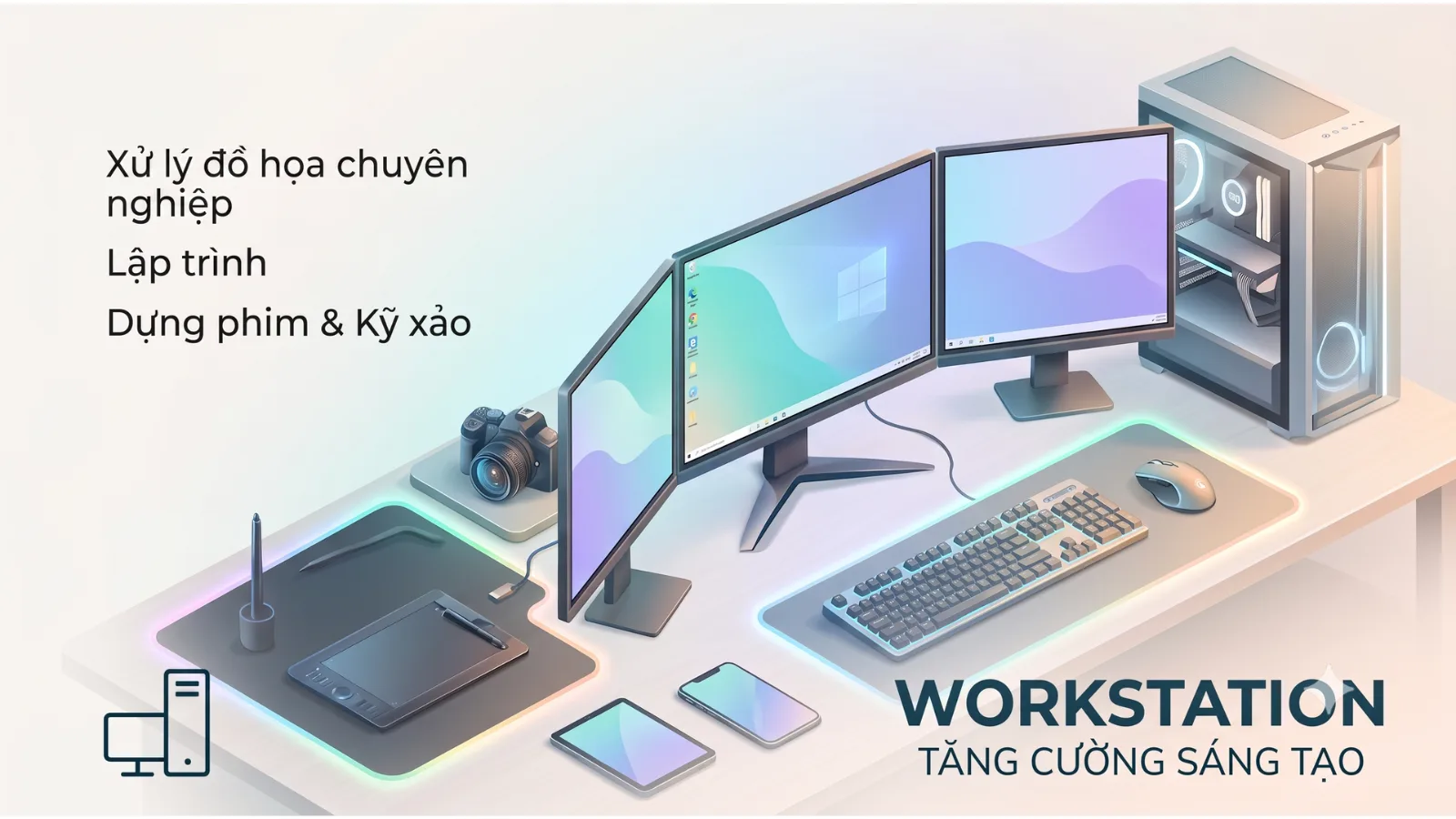
Evaluating and planning workstation infrastructure replacement requires professionalism and a comprehensive perspective. FA Tech provides Workstation Infrastructure services, including current state assessment, performance evaluation, optimal solution consulting, and deployment of workstations, desktops, and laptops tailored to your business's needs and budget. Contact FA Tech to receive a quote based on actual configuration and a detailed deployment plan.