
Digital Team
IT Specialist
As small and medium-sized enterprises (SMEs) increasingly embrace digital transformation, the demand for computing performance is no longer limited to basic office tasks. From product design and commercial video production to big data analytics and artificial intelligence (AI) application development, computers equipped with powerful graphics processing units (GPUs) are becoming a strategic investment to optimize productivity and competitiveness.
GPUs Aren't Just for Gamers: Their Role in Business
Previously, GPUs were most commonly known in the gaming industry. However, the characteristic parallel processing architecture of GPUs has proven its superior value in many high-computation enterprise applications. Unlike CPUs (Central Processing Units) optimized for sequential tasks, GPUs (Graphics Processing Units) have thousands of small processing cores, allowing them to perform many complex calculations simultaneously, accelerating processing speeds for the following tasks:
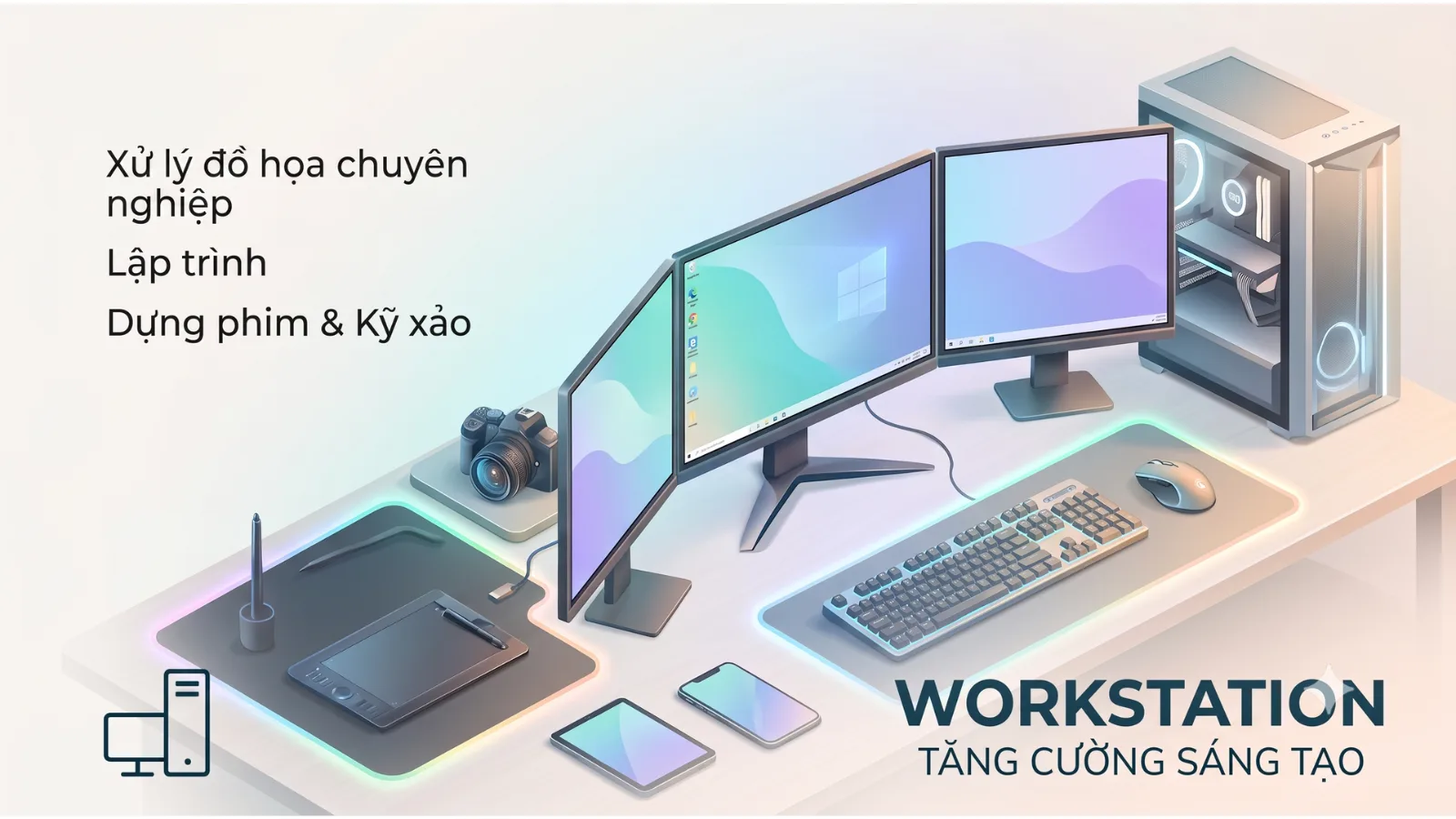
- Graphic Design, CAD/CAM/CAE, and Video Production: Software such as AutoCAD, SolidWorks, Adobe Premiere Pro, After Effects, and Blender require powerful GPUs to handle complex 3D models, render high-quality images and videos, helping engineers, architects, and marketing teams complete their work faster.
- Data Analytics and Machine Learning (ML)/AI: GPUs play a crucial role in training AI models, processing large datasets, and performing complex matrix calculations in data science. This is especially important for businesses looking to apply AI to optimize processes, predict trends, or develop smart products.
- Simulation and Research: In industries such as manufacturing, healthcare, or science, GPUs help run complex simulations, from computational fluid dynamics (CFD) to molecular simulations, reducing the time and cost of physical testing.
- Workstation Virtualization (VDI - Virtual Desktop Infrastructure): Virtualized GPUs allow multiple users to remotely access graphics-intensive applications, offloading central servers and providing a smoother experience for end-users.
Choosing the Right GPU Computer for Your SME
Investing in a GPU computer requires careful consideration to ensure it meets actual needs and optimizes costs.
Defining Work Requirements
First, businesses need to clearly assess the specific tasks that will require a GPU:
- Software Used: List the main software applications and check their minimum/recommended hardware requirements. For example, a CAD engineer will need a different configuration than a data scientist.
- Usage Intensity: Will tasks run continuously, involve large projects, or only occasionally? This affects the required durability and performance of components.
- Number of Users: How many personnel will use GPU computers? How many machines are needed?
Technical Factors to Consider
When choosing a GPU computer, attention should be paid to the balance between components to avoid bottlenecks:
- GPU Architecture: Leading GPU manufacturers like NVIDIA (with GeForce RTX, Quadro series) and AMD (with Radeon Pro) offer various options. The Quadro/Radeon Pro series is typically optimized for professional applications, ensuring higher stability and compatibility. For extremely intensive AI/ML tasks, the latest GPU architectures like NVIDIA Blackwell deliver superior performance.
- GPU Memory (VRAM): Larger VRAM capacity is better for tasks involving 3D model processing, 4K/8K video, or large AI datasets. A minimum of 8GB VRAM is necessary for many professional applications today.
- CPU and RAM: A powerful GPU should be paired with a sufficiently fast CPU (e.g., Intel Core i7/i9, AMD Ryzen 7/9, or high-performance ARM chips for AI) and ample RAM (minimum 32GB, ideally 64GB or more) to efficiently handle data input and output for the GPU.
- Cooling System and Power Supply: High-performance GPUs consume significant power and generate substantial heat. A good cooling system (air or liquid) and an appropriately powerful power supply unit (PSU) are crucial to ensure stable and durable operation.
- Expandability: Consider the ability to upgrade the GPU, RAM, or add more storage in the future to extend the machine's lifespan.
Below is a comparison table of common GPU computer configurations by need:
| Criterion | Basic Workstation (light 2D/3D design, photo editing) | Mid-range Workstation (video production, complex CAD, basic ML) | High-end Workstation (intensive AI/ML, heavy rendering, simulation) |
|---|---|---|---|
| Typical GPU | NVIDIA GeForce RTX 3050/4050 | NVIDIA GeForce RTX 4060/4070, Quadro T1000/RTX A2000 | NVIDIA GeForce RTX 4080/4090, Quadro RTX A4000+, or specialized AI GPU (e.g., NVIDIA Blackwell) |
| Minimum VRAM | 8GB | 12-16GB | 24GB+ |
| CPU | Intel Core i5/i7, AMD Ryzen 5/7 | Intel Core i7/i9, AMD Ryzen 7/9 | Intel Core i9/Xeon, AMD Ryzen 9/Threadripper, or high-performance ARM CPU |
| Minimum RAM | 16GB | 32GB | 64GB+ |
| Storage | 500GB NVMe SSD | 1TB NVMe SSD + auxiliary HDD/SSD | 2TB+ high-speed NVMe SSD + large data storage |
Risks of Incorrect GPU Computer Investment
Choosing the wrong GPU computer can lead to several risks for businesses:
- Resource Waste: Purchasing a machine that is too powerful for actual needs will result in high initial investment costs without fully utilizing its performance. Conversely, an underpowered machine will not meet work requirements.
- Suboptimal Performance: An unbalanced configuration (e.g., a powerful GPU with a weak CPU or insufficient RAM) will reduce overall work efficiency, leading to wasted time and project delays.
- High Operating Costs: Powerful GPU computers typically consume more power and require robust cooling systems. If not designed and deployed correctly, electricity and maintenance costs can increase significantly.
- Software/Driver Incompatibility: Some specialized software requires specific GPUs and drivers for stable operation; incorrect selection can lead to errors or loss of functionality.
- Maintenance and Upgrade Difficulties: More complex systems may require higher expertise for maintenance and upgrades, causing work disruptions if the IT team lacks sufficient capability.
How FA Tech Can Help
FA Tech distributes specialized workstation and laptop lines from leading brands such as Dell (Precision), HP (Z Workstation), and Lenovo (ThinkStation). We offer diverse configurations with NVIDIA (GeForce RTX, Quadro) and AMD (Radeon Pro) GPU options to meet all needs, from basic graphic design to complex AI/Machine Learning tasks. For businesses with specific large-scale AI/Machine Learning requirements, specialized AI servers or workstations like the ASUS Ascent GX10 with advanced NVIDIA Blackwell GPUs are also a compelling option, delivering superior performance for complex parallel computing tasks.
We provide comprehensive workstation infrastructure consulting and deployment services, helping businesses choose the configuration that best suits their budget and specific work requirements. Contact FA Tech for a quote based on your actual configuration and to receive expert support.